
Smart irrigation controller installation that waters with the weather
Smart irrigation controller installation replaces a fixed timer with a controller that adjusts watering using weather information or sensors on your property. Our licensed technicians review your zones, install and program the new controller, and show you how to use it before they leave.
- Products we supply
Smart irrigation controllers and rain sensors - Systems
New installs and retrofits onto existing systems - Installed by
Licensed irrigation technicians - Office hours
Monday to Friday, 8:00 AM to 4:00 PM
What a smart controller does that a standard timer cannot
Every sprinkler system has a controller that opens each zone valve and tells it how long to run. A standard timer follows the days and run times someone typed in, and it keeps following them in a heat wave or a downpour. A smart controller starts from the same zone settings, then changes how much it waters using local weather information or a sensor reading, so the schedule moves with the conditions instead of staying fixed.
| Question | Standard timer | Smart controller |
|---|---|---|
| How the schedule is set | Days, start times, and run times are entered by hand at the panel, and the timer repeats them until someone changes them. | Each zone is set up once with its plants, sun, and head type, and the controller adjusts run times from there using weather information or sensor readings. |
| What happens on a rainy day | It runs on schedule unless a rain sensor is connected or someone remembers to switch it off. | Many smart controllers skip or shorten a cycle after rain, and a connected rain sensor adds a reading of the rain that actually fell on your yard. |
| Seasonal adjustment | Someone has to lower or raise run times by hand in spring, summer, and fall, and it is easy to forget. | Watering changes gradually as the weather warms and cools, within the limits set for each zone. |
| Remote changes | Changes are made at the panel, often in a garage, basement, or utility room. | Many smart controllers connect to home Wi-Fi, so you can pause watering, run a zone, or change a setting from a phone app. |
| Alerts | None. Most problems show up first as a brown patch or a wet spot. | Many smart controllers can send notices, such as a skipped cycle or a lost connection. Features vary from one model to the next. |
Signs an older controller is holding your system back
The pipes, valves, and heads in the ground can be in good shape while the box on the wall keeps watering as if it were still the week it was installed. These are the signs we see most often when a controller, not the rest of the system, is the weak link.
- It waters in the rainCycles run during a storm or the morning after, with no sensor to stop them.
- The schedule never changesThe same run times have been in place since the system went in, spring through fall.
- It forgets its programA power outage wipes the settings, and zones run on the wrong days until someone resets them.
- The panel is hard to useA faded screen, worn buttons, or zones nobody can name make every change a guess.
- The lawn swings between soggy and dryWet ground in a rainy spring, then brown strips once the dry weeks of summer arrive.
- You cannot make changes while awayPausing the system means being home and walking to the panel.
- No open stations leftNew beds or a drip zone are planned, and the old controller has no room for another zone.
- Repairs keep pointing to the controllerLoose terminals, a dead display, or a controller that fails to start a zone that tests fine.
Installing a smart controller, step by step
A new controller is only as good as the information it starts with, so the work begins in the yard, not at the wall.
- 1
Review the existing zones and wiring
Each zone runs from the old controller while the technician notes what it waters, its head type, and the condition of the valve wires.
- 2
Mount and wire the controller
The controller goes in the existing spot or a better one near power, with each valve wire moved to its terminal and labeled by zone.
- 3
Connect to the home network
When the controller uses Wi-Fi, the signal is checked where it hangs, and the app is set up with you so the account is yours.
- 4
Program each zone
Every zone is entered by what it waters (lawn, beds, or shrubs), how much sun it gets, and whether it runs spray heads, rotors, or drip, so the controller adjusts from a sound starting point.
- 5
Add or connect a rain sensor
A rain sensor is mounted where it catches open rainfall, clear of gutters and sprinkler spray, then connected to the controller.
- 6
Test and walk you through it
Each zone is started from the new controller, and we show you how to pause watering, run a zone by hand, and find the seasonal settings.
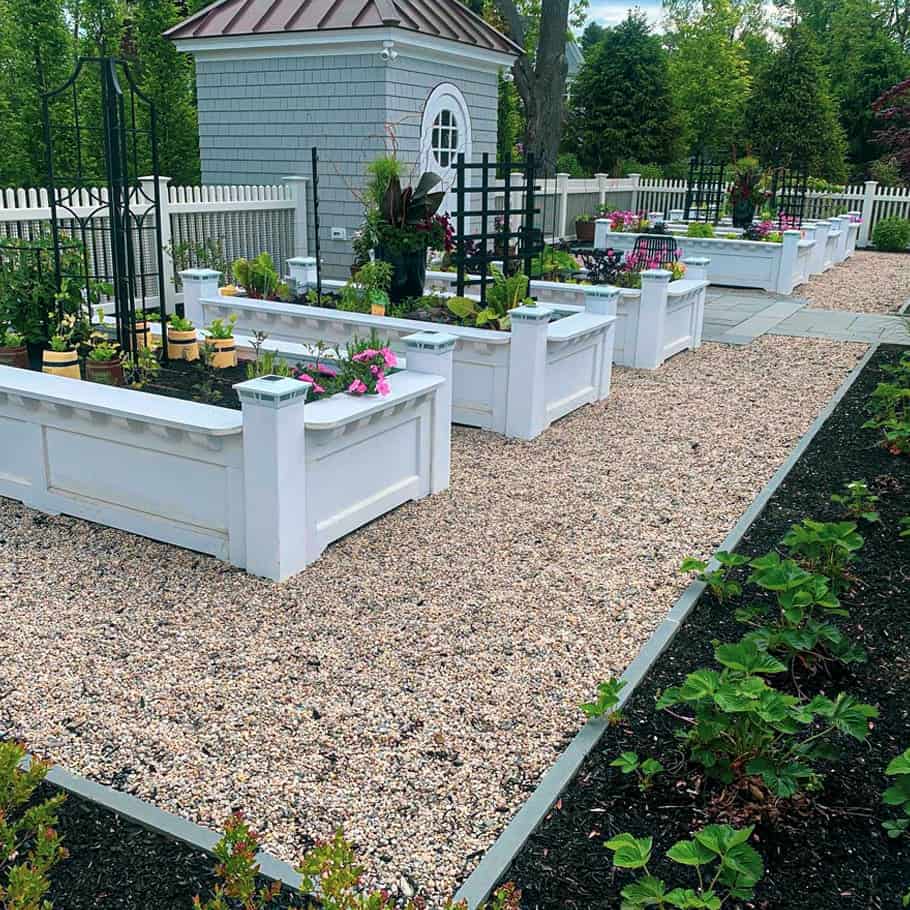 Rainfall irrigation project
Controller options and how to choose between them
Rainfall supplies and installs smart irrigation controllers and rain sensors. Most upgrades use one or more of these three options, and the right mix depends on how your system is built and how you want to manage it.
Start with the zone count and whether the controller location has power and a Wi-Fi signal. If you want app control and weather-based changes, a Wi-Fi smart controller fits. If the controller works well and the main problem is watering in the rain, a rain sensor may be all it needs.
If valves or wiring are failing, those repairs come before any new controller. We explain what we find, and the choice stays yours.
Wi-Fi smart controllers
These connect to your home network for weather information and a phone app, so you can check or pause watering from anywhere. A usable Wi-Fi signal where the controller hangs is the first thing to confirm.
Rain sensors
A small outdoor device that tells the controller to hold off after enough rain has fallen. It works with a standard timer or a smart controller, and with a smart controller it adds a reading from your own yard.
Retrofits onto existing systems
A smart controller can often go onto a system that is already in the ground. It takes over the existing valves and wiring, so the lawn is not dug up, once the review confirms the zones and wires are sound.
Why watering by the weather fits a Massachusetts yard
A single fixed schedule struggles here because the season never holds still. Spring can bring a week of steady rain, summer can bring a string of hot days with none, and by fall the system has to be shut down before the ground freezes. A controller that adjusts to the weather, set up for the way each zone behaves, handles those swings far better than one that repeats July settings in May.
Wet springs
Rainy stretches in April and May leave the ground soaked. A smart controller that cuts back after rain, backed by a rain sensor, keeps the system from adding water the lawn does not need.
Dry summer weeks
When the rain stops and the heat builds, watering needs to go up, especially on sunny lawn zones. Weather-based adjustment raises run times without waiting for someone to notice brown grass.
Fall shutdown and winter settings
The fall shutdown is covered on our sprinkler winterization page. Once the lines are clear, the controller goes into its winter setting.
What decides the cost of a smart controller upgrade
The price of smart irrigation controller installation depends on the system it is going onto. Two homes can choose the same controller and end up with different totals because one needs a new wire run and the other does not.
The total depends on what the review of your zones and wiring finds. If that review turns up a stuck valve or a broken wire, we tell you before any work starts, and the fix is handled as a sprinkler repair so the new controller has sound equipment to run.
- Number of zonesMore zones call for a controller with more stations and more time to wire, label, and program.
- Wiring and locationReusing the current spot and wires is simpler than moving the controller or running new wire to reach power or a Wi-Fi signal.
- Sensor add-onsAdding a rain sensor, or replacing one that no longer works, changes the total.
- The controller you chooseModels differ in station count and features, and we talk through which ones fit your system.
What to expect once the controller is on the wall
Run times may look different from your old schedule as the controller adjusts. If one area looks too wet or too dry, change that zone's settings in the app or at the panel, or call 781-679-1388. At the spring sprinkler start-up, the controller comes out of its winter setting.
Our customer resources page keeps a library of controller manuals for checking a setting on your own. Our irrigation maintenance plans keep a working system on a regular seasonal schedule of care.
Questions about smart irrigation controller installation
Something not covered here? Call 781-679-1388, Monday to Friday, 8:00 AM to 4:00 PM.
In most cases, yes. Smart irrigation controller installation usually reuses the valves and wiring already in the ground, so the lawn is not dug up. We review the zones and wires first, and if a valve or wire needs repair, we tell you before the new controller goes in.
Many smart controllers use home Wi-Fi to get weather information and connect to a phone app. What matters is a usable signal where the controller is mounted. If the signal does not reach a garage or basement, we talk through a better location or another setup before installing.
A smart controller that uses weather information can adjust for rain on its own, but a rain sensor reads the rain that actually fell on your property. Rain can be heavy in one town and light in the next, which is why the two are often paired. We cover the options during smart irrigation controller installation.
After a Massachusetts system is winterized, set the controller to off or its winter mode so it does not try to run empty zones. Leaving it powered keeps the zone setup ready for spring. At the spring start-up, the controller is switched back on with the water.
Yes. You can pause watering, run a zone by hand, or change a zone setting from the app or the panel. The controller makes its weather adjustments from the settings you keep, so your changes stay in charge.
Ask about a smart controller for your system
Tell us how many zones your system has, where the current controller is mounted, and whether your Wi-Fi reaches that spot. We will follow up to talk through options and set up a visit.